
X-StudioX-Studio
All case studies
X-StudioX-StudioCase Study

X-Studio × x-whisper · 2025

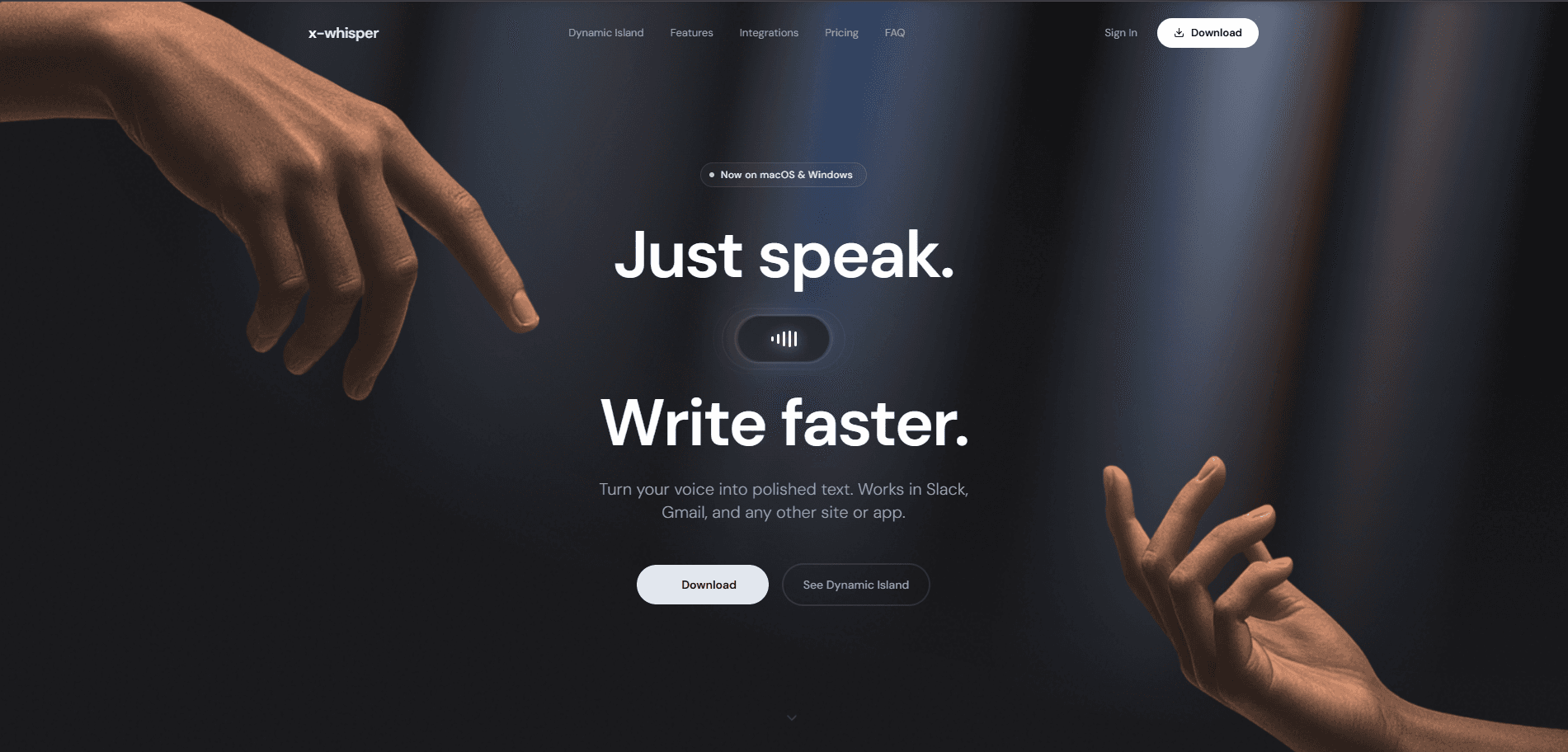
Just speak. Write faster.

x-whisper is an AI voice layer for the desktop. One shortcut turns a spoken thought into text that is ready for wherever it is going: Slack, Gmail, Notion, Cursor, anything you can type into.

Visit x-whisper.com

What we did

  • AI Voice-to-Text
  • Desktop App
  • AI Product
  • Interaction Design
  • Product Strategy
  • Privacy-first UX
The x-whisper website: “Just speak. Write faster.” Turn your voice into polished text, in Slack, Gmail and any other site or app
Product
x-whisper
Year
2025
Platform
macOS & Windows
Scope
AI product & desktop UX

This case study is based on the shipped product and its public product information. Internal project details, research data, team composition, timelines and performance metrics are deliberately not invented. Verified figures will be added as they are confirmed.

01 · The project

What if writing didn't start with a keyboard?

Most software assumes thoughts arrive as text. People don't think in polished paragraphs. They speak, they jump between ideas, they change direction, they remember something halfway through a sentence.

x-whisper was built around a single idea: let people think out loud, then turn that thought into useful text. Not a transcript. Text that is ready for the context it is going into.

02 · The problem

Voice is fast. Turning voice into usable text isn't.

The old workflow

Nine steps between having an idea and using it.

  1. 01Think
  2. 02Open a transcription app
  3. 03Record
  4. 04Wait
  5. 05Review the transcript
  6. 06Copy
  7. 07Switch application
  8. 08Paste
  9. 09Rewrite

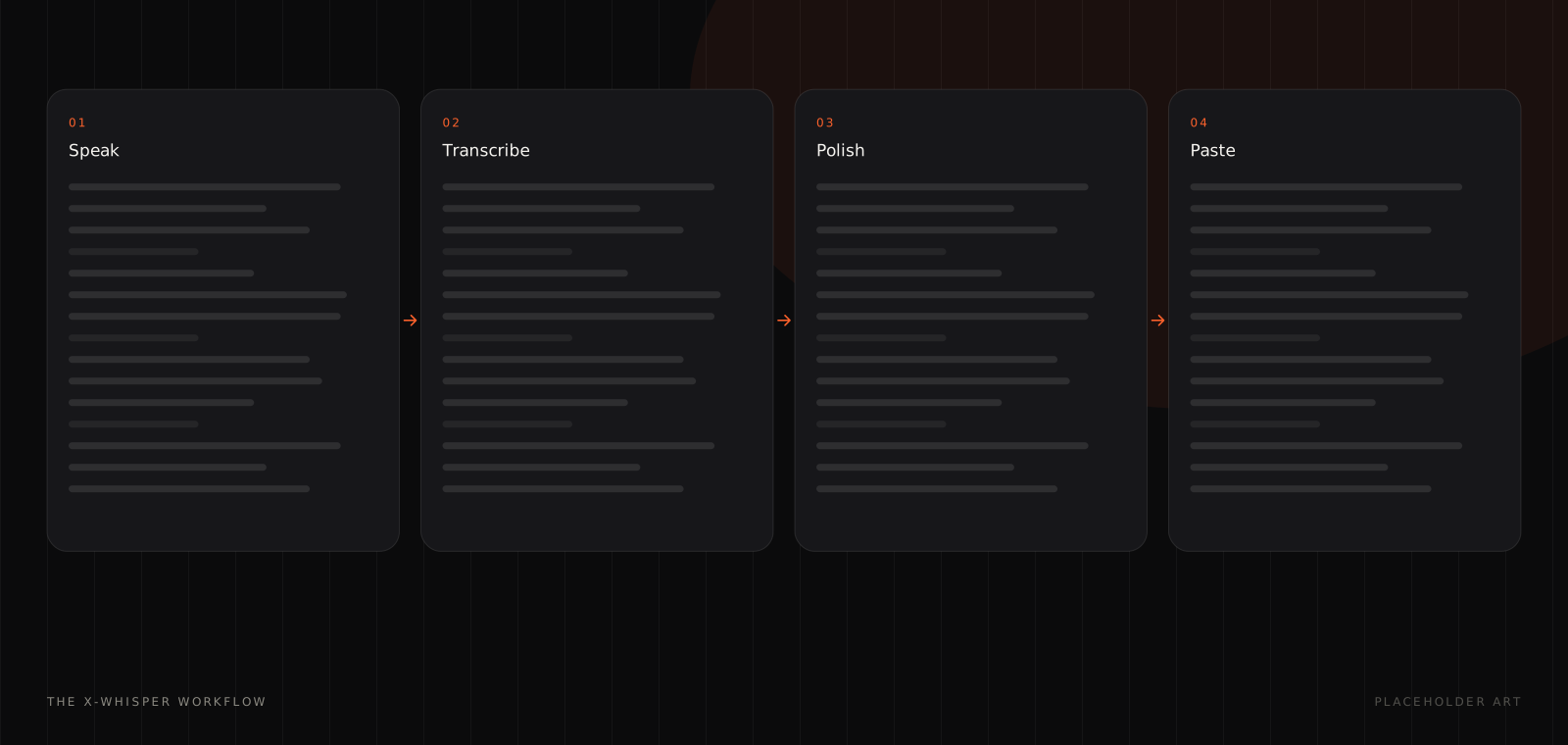
The x-whisper workflow

Four, and three of them are invisible.

  1. 01Speak
  2. 02Transcribe
  3. 03Polish
  4. 04Paste
The four stages of the x-whisper workflow
The product sits between the user and the application already in front of them, so nobody has to change where they work.

03 · The core interaction

One shortcut. Speak. Done.

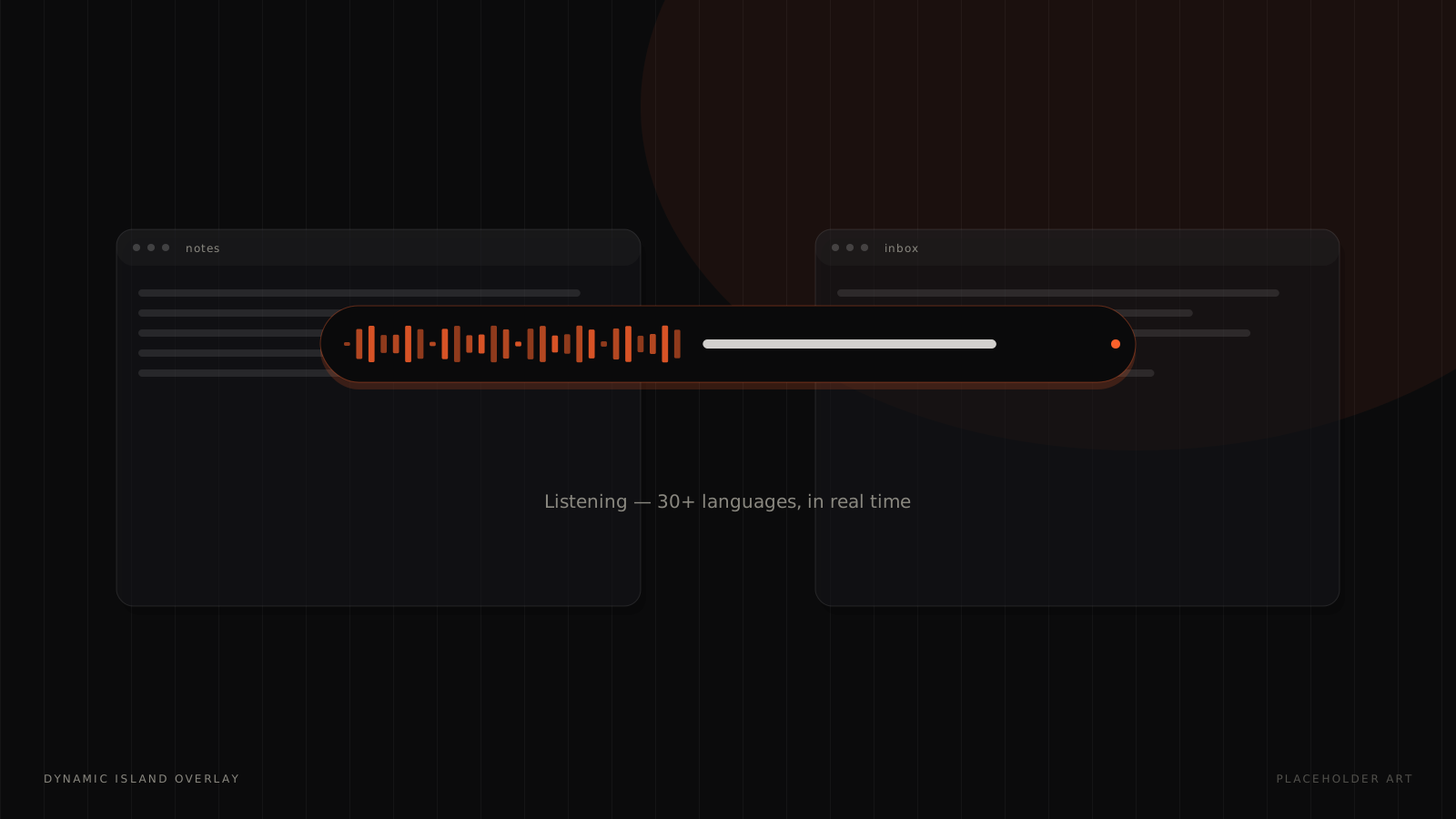
The x-whisper Dynamic Island overlay transcribing in real time
A compact persistent overlay at the top of the desktop, rather than another window to manage.

04 · Dynamic Island

Just enough feedback to answer three questions.

The overlay is the signature interaction, and its whole job is to stay lightweight enough that you keep working in Slack, Gmail, Cursor or Notion while it runs.

  • Is it listening?

    Live waveform activity, visible without looking away from your work.

  • What is it hearing?

    Real-time transcription inside the pill, so mistakes are caught as they happen.

  • When is my text ready?

    A single state change, then the text lands in the active application.

05 · From speech to the right tone

Your voice. Your context.

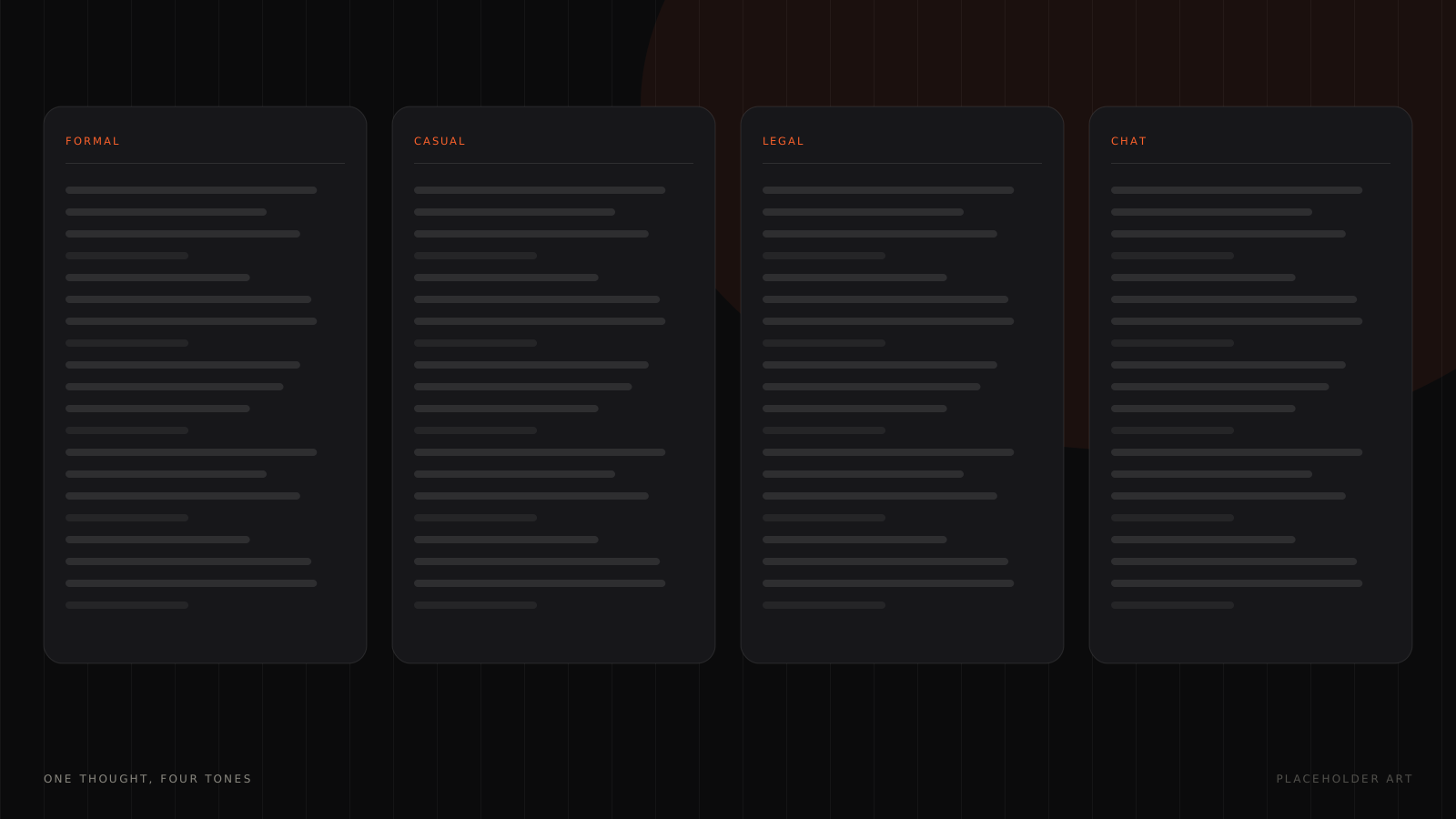
One spoken thought rewritten in formal, casual, legal and chat tones
The same thought needs very different writing depending on where it lands. Users describe what they mean; x-whisper decides how it should be written.

06 · Beyond dictation

A small interface on top of a large capability stack.

  • Super Mode

    Screen context adapts the output to what you're working on, without opening another chat window.

  • Push to talk

    Hold, speak, release. A familiar physical model for people who never want to leave the keyboard.

  • Works offline

    Local transcription, so voice input doesn't depend on Wi-Fi, or on trusting a network with it.

  • 30+ languages

    Speak in the language that comes naturally, with English translation built in.

  • Custom vocabulary

    Names, products, acronyms and technical terms recognised consistently. Teach once, use forever.

  • Meetings & files

    Record meetings into notes and summaries, or upload audio and video for transcription.

07 · Privacy by design

Your voice. Your data.

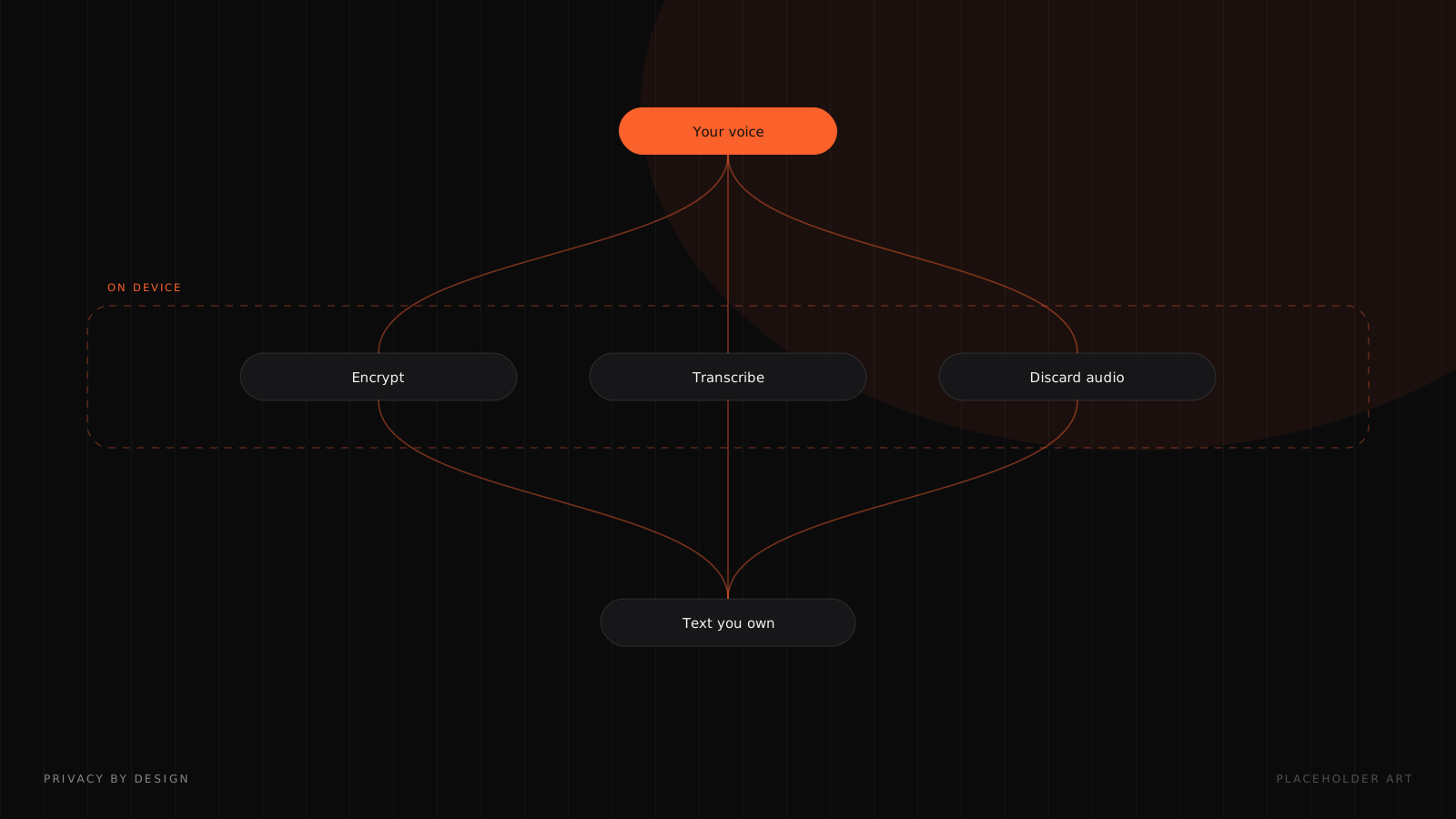
Diagram showing voice encrypted on device, transcribed, and the audio discarded
Voice data is encrypted locally before it is sent. The product states that voice and transcripts are not stored, that audio is wiped once text is generated, and that customer code, email and notes are not used to train models.

08 · The design principles

Stay out of the way.

A conventional productivity application competes for screen space. x-whisper is most useful when it is almost invisible, which turned six interaction principles into hard constraints.

  • 01 · Minimal surface area

    Show only what is needed at that moment.

  • 02 · Immediate feedback

    Voice input should feel alive through real-time transcription.

  • 03 · No context switching

    The user stays inside their active application.

  • 04 · Keyboard-first control

    Shortcuts make the common actions instant.

  • 05 · Progressive intelligence

    Simple dictation stays simple. Advanced AI appears when useful.

  • 06 · Trust through transparency

    Privacy and data handling should be understandable.

09 · Cross-platform by default

One product. Multiple desktops.

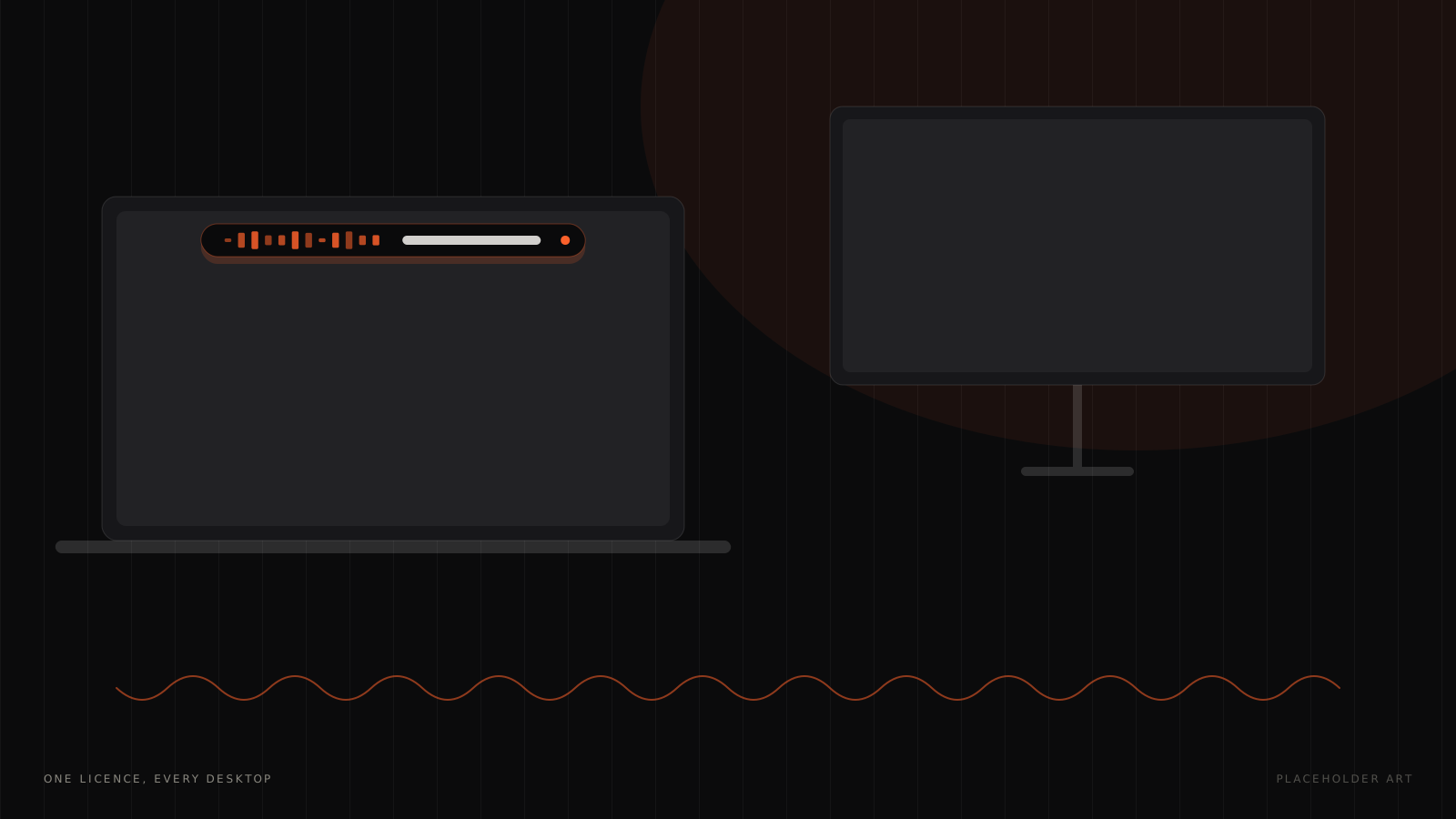
A laptop and monitor connected by an x-whisper voice waveform
macOS and Windows, with one personal licence across devices, because voice input should follow the workflow, not the machine.

10 · Pricing

Simple enough to understand.

Free

$0

  • Voice-to-text in any app
  • Dynamic Island overlay
  • Meeting recording
  • 30+ languages
  • Small AI models
  • Custom prompts

Pro

$6.49/ month

  • Everything in Free
  • Cloud and local AI models
  • Language translation
  • File transcription
  • Priority support

Enterprise

Custom

  • Everything in Pro
  • Centralised billing
  • Model access control
  • Enterprise-hosted models
  • Volume discounts

Pricing reflects the public product page at the time this case study was prepared and may change.

The fastest interface is the one between thought and action.

11 · The takeaway

Most AI tools ask you to go to them. x-whisper comes to the work.

Most transcription tools give you a transcript; x-whisper aims to give you usable text. Most writing assistants require you to explain context; x-whisper can use the context already around you. Most productivity tools add another window; x-whisper tries to disappear into the workflow.

It was built around a very human behaviour: people speak faster than they type. The opportunity was to turn that into a desktop interaction that feels immediate, private, multilingual, and useful across the tools people already use.

Got something worth building?

Contact Us